Microsoft Power Platform — Engineering Business Systems Without Heavy Code
We design Power Platform solutions as structured systems that connect workflows, data, and applications — enabling rapid execution without compromising control or scalability.
Why Most Power Platform Implementations Underperform
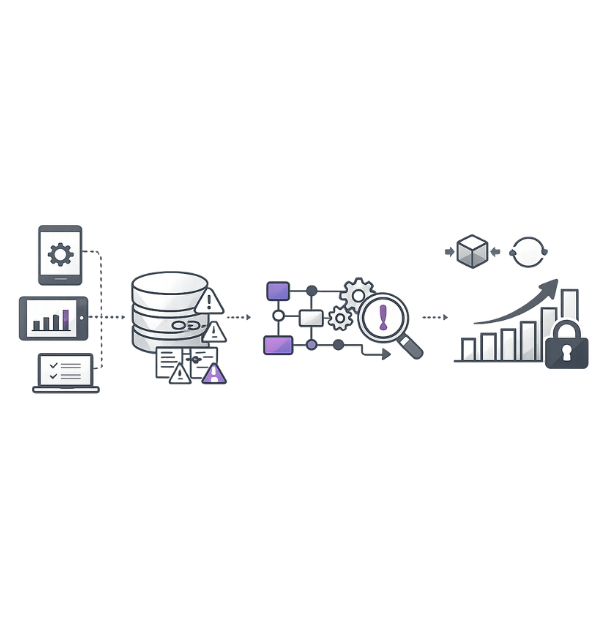
Organizations often approach the Power Platform as a quick app builder to solve immediate needs, rather than treating it as a strategic system layer within the enterprise architecture. This short-term mindset leads to the creation of multiple disconnected applications built in isolation, each with its own logic, data structures, and workflows.
Without architectural thinking:
What Changes at System Level
How We Structure Power Platform Deployments
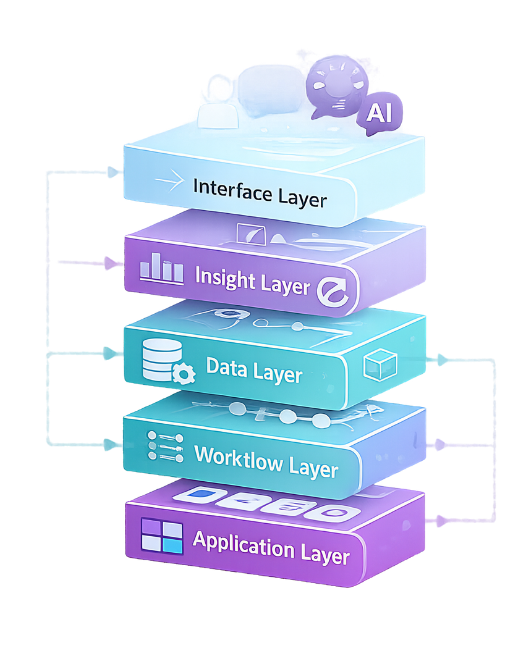
Application Layer
Workflow Layer
Data Layer
Insight Layer
Interface Layer
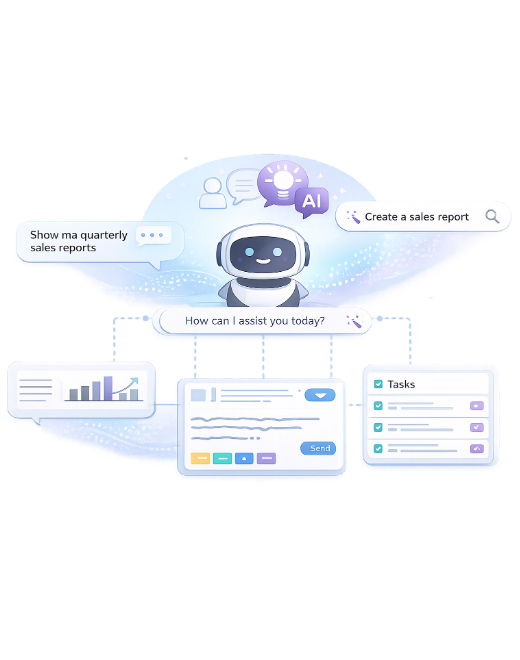
Copilot Is Not a Feature — It’s a Control Surface
From Business Event to System Action

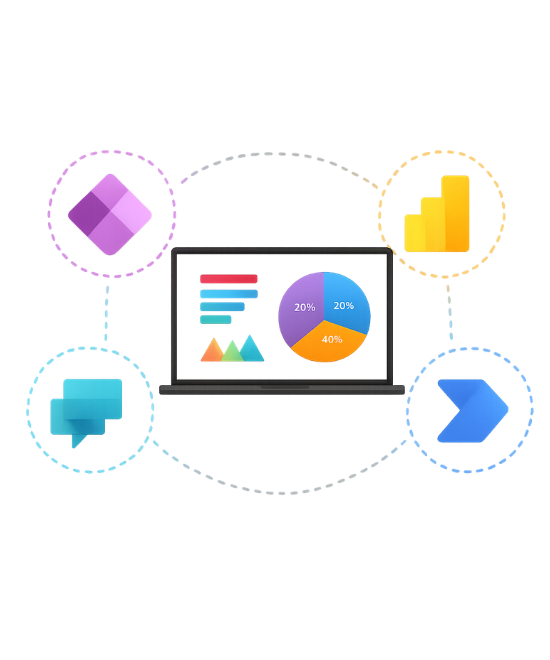
A business trigger—such as a new lead entry, an approval request, or any operational event—acts as the starting point of a connected digital workflow. This trigger activates an automated flow in Power Automate, which orchestrates actions across the entire system.
Once initiated, the workflow interacts with structured and normalized data stored in Microsoft Dataverse, ensuring that all information is consistent, up-to-date, and centrally managed. Based on this data, application logic is executed through Power Apps, enabling dynamic user interactions, validations, and business rule enforcement.
Power Platform as a Coordination Layer
We position the Power Platform not as a replacement for existing enterprise systems, but as a coordination layer that connects and orchestrates them into a unified execution framework. It seamlessly integrates systems like SAP ERP, Microsoft Dynamics 365, and Salesforce with internal databases and legacy tools, enabling end-to-end workflows that span across traditionally siloed environments. By leveraging APIs, connectors, and automation, this approach eliminates the need for heavy backend redevelopment while ensuring real-time data flow, consistency, and centralized control.
As a result, organizations can execute cross-system processes more efficiently, adapt quickly to changing business needs, and maximize the value of their existing technology investments without disruption.
Frequently Asked Questions
Is Power Platform suitable for enterprise-grade systems?
By using Dataverse as a centralized data foundation and defining clear workflows, organizations can build scalable and controlled solutions. The key lies in treating it as an enterprise platform rather than a quick development tool.
What is the biggest mistake in Power Platform adoption?
Without proper architecture, solutions become difficult to manage and scale. Organizations must focus on process design, data structure, and governance from the beginning. This ensures long-term sustainability and avoids fragmentation.
How do you manage data consistency across apps?
We define standardized schemas, validation rules, and data relationships to maintain integrity across systems. This prevents duplication and ensures reliable reporting. Consistent data models also enable seamless integration across workflows and applications.
Can Power Platform replace traditional development?
However, core systems and complex backend logic may still require traditional development. The combination of both approaches enables faster delivery while maintaining robustness and scalability.
How do you ensure governance and control?
This ensures that applications are secure, compliant, and properly managed across teams. Monitoring and auditing mechanisms provide visibility and control over system usage. Governance is critical to maintaining scalability and avoiding uncontrolled growth.
What role does AI play in Power Platform?
It enables intelligent automation, predictive insights, and faster decision-making. AI is embedded into workflows, making systems more adaptive and efficient rather than static.
Is Power Platform scalable across departments?
By reusing components and maintaining consistent data models, organizations can expand solutions without re-engineering. This ensures controlled growth and consistent performance across departments.
What differentiates your approach?
Our focus is on aligning workflows, data, and automation with business objectives. This ensures that solutions are scalable, governed, and capable of driving real business outcomes rather than functioning as isolated tools.
Let’s Collaborate with Us!
From an early stage start-up’s growth strategies to helping existing businesses, we have done it all! The results speak for themselves. Our services work.